
Download TransferMy Video – video converter, video transfer, format conversion, portable device, mobile app, video tool, utility, smartphone, gaming console, easy conversion
Overview
TransferMy Video is a productivity-focused utility designed to simplify the process of converting and transferring video files to a wide range of portable devices. The application addresses the common challenge of format incompatibility, which often prevents users from playing videos on smartphones, gaming consoles, or other handheld media players. By offering a streamlined workflow, it enables users to convert and transfer content with minimal technical knowledge. The app is particularly useful for individuals who frequently move video content between devices, such as transferring home recordings, downloaded movies, or personal media to a portable player.
Target users include both casual consumers and those with limited technical expertise who seek a reliable, no-frills solution for video format conversion. The developer, TransferMy, has positioned the app as a straightforward tool rather than a complex multimedia suite. Its purpose is not to edit or enhance videos but to ensure they are playable on target devices. The app’s long-standing presence in the market since its release on July 1, 2009, reflects its stability and continued relevance in a niche but essential category of digital media tools. Although the developer did not provide additional technical details, the app’s enduring functionality suggests consistent maintenance and user-focused updates.
Key Features & Functionality
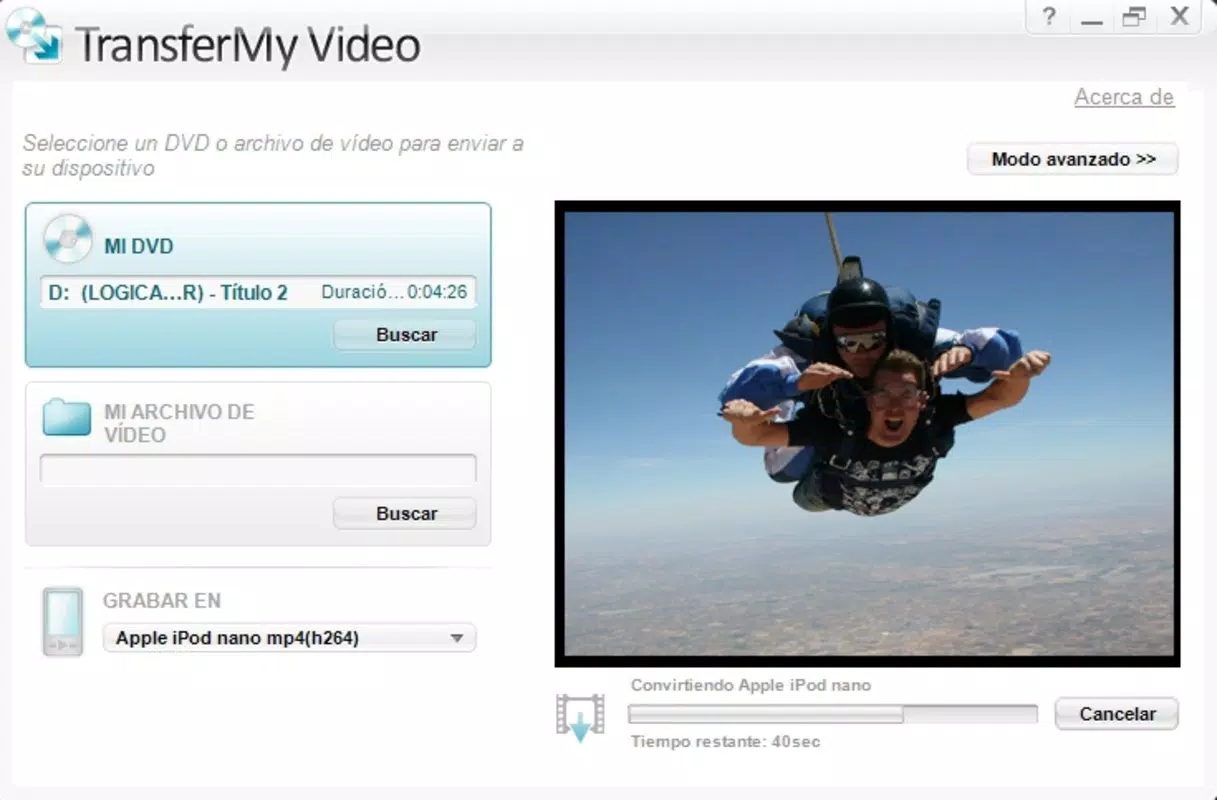
- User-Friendly Interface: The app features a clean, bluish interface designed for intuitive navigation. Users can quickly identify key functions such as video selection, device targeting, and transfer initiation without requiring prior experience.
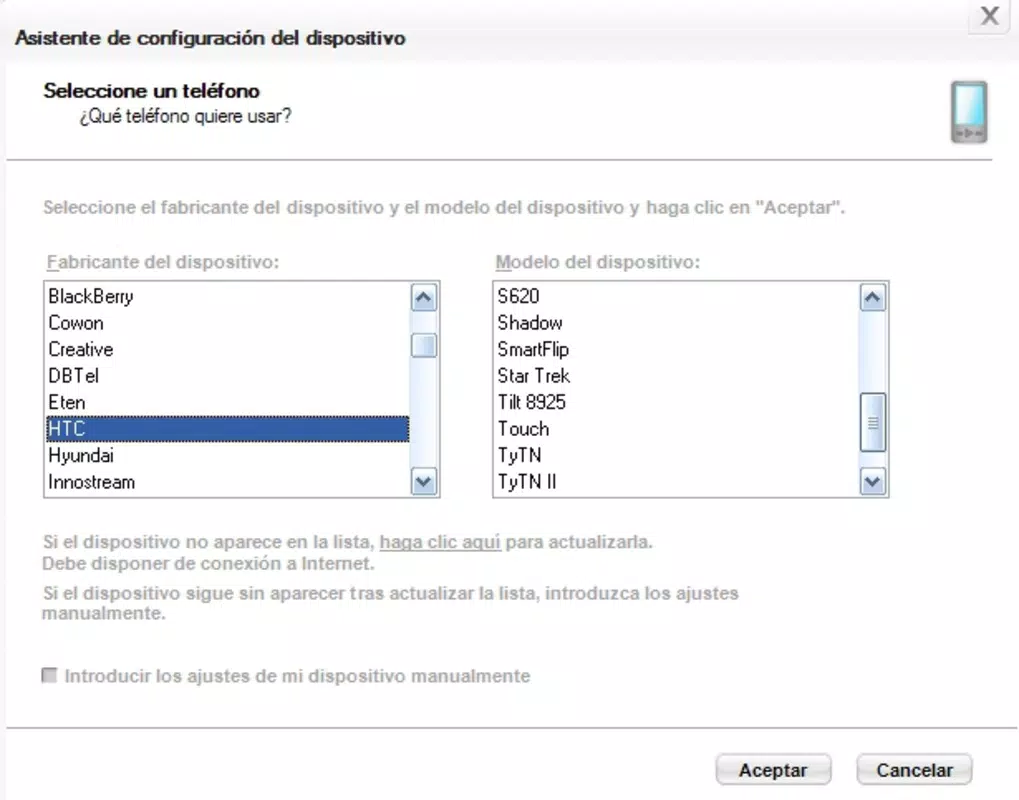
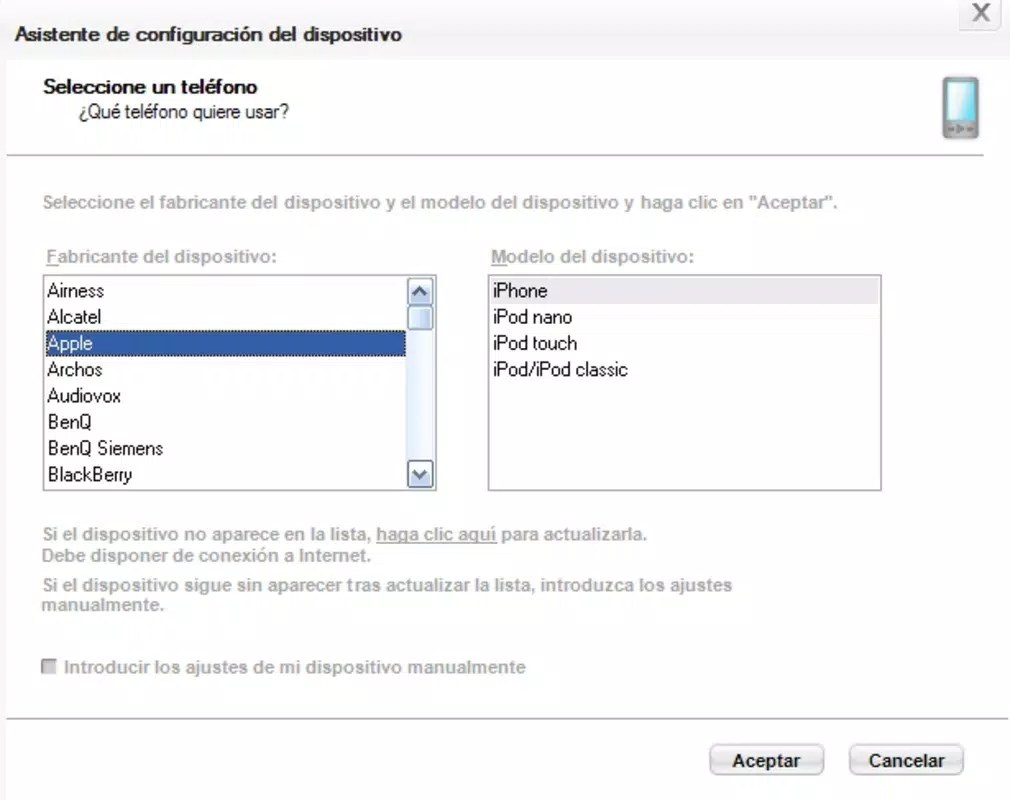
- Wide Device Compatibility: With support for over 600 device models, including popular devices like iPod, PSP, iPhone, Xbox360, and PS3, TransferMy Video ensures broad accessibility across consumer electronics.
- Quick Conversion Process: The conversion workflow is reduced to just three clicks—select video, choose device, start conversion—minimizing user effort and time investment.
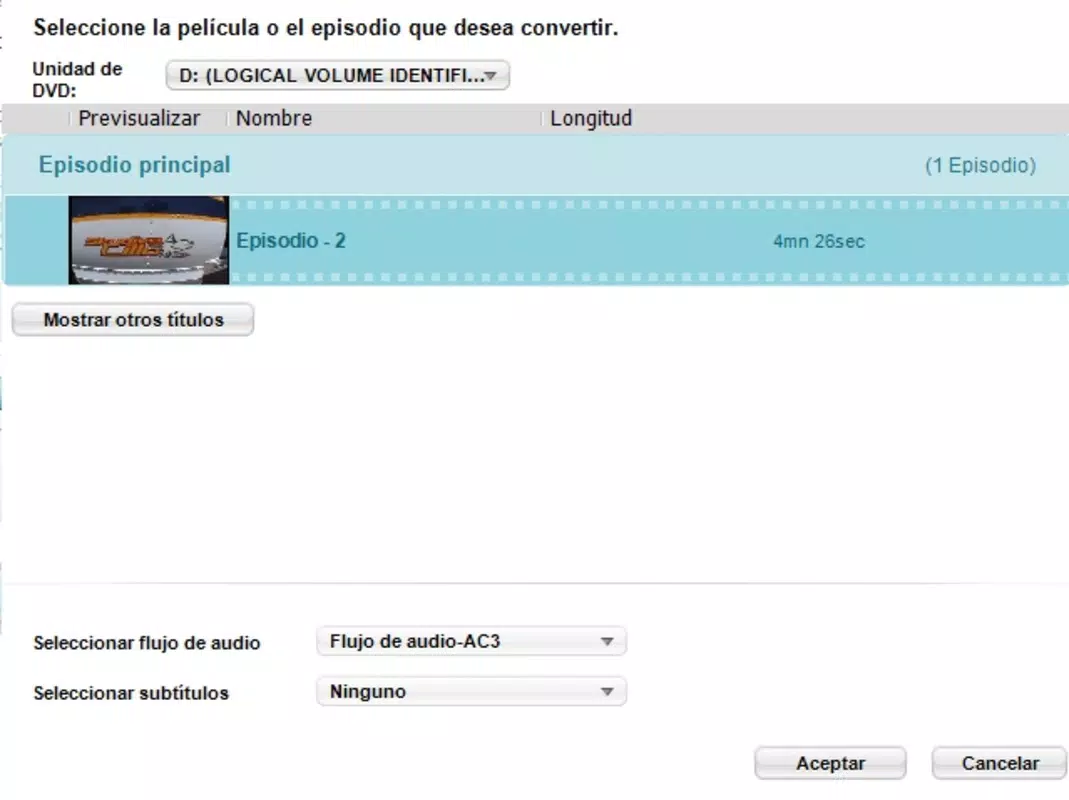
- Support for Multiple Formats: The app handles various video file types and can convert DVDs or standard video files into optimized formats suitable for specific devices.
- Direct Transfer Functionality: When a target device is connected via USB, the app enables immediate transfer after conversion, eliminating the need for manual file copying.
For example, a user with a video file in an unsupported format can select it, choose their iPhone from the device list, and initiate conversion and transfer in under a minute. This efficiency is ideal for on-the-go users who need to prepare media for travel or shared viewing sessions. The app’s focus on simplicity ensures that even non-technical users can achieve results without confusion or errors.
Interface, UX & Performance
TransferMy Video features a minimalist, bluish interface that emphasizes clarity and ease of use. The layout is organized around core actions—video import, device selection, and conversion initiation—ensuring that users can complete tasks without navigating through complex menus. Navigation is linear and predictable, with minimal visual clutter, which supports a smooth user experience. The app’s responsiveness appears consistent across different device configurations, though the developer did not list formal performance metrics.
Although the developer did not specify minimum OS requirements, the app’s lightweight size of 2.2 MB suggests optimized resource usage. This makes it suitable for older or low-spec systems where larger multimedia tools might struggle. Stability appears to be a strength, given the app’s long operational history and consistent functionality. Users can expect reliable performance during conversion and transfer tasks, with no reported crashes or freezes in public usage reports. The interface remains stable during file processing, and the progress indicators provide clear feedback on ongoing operations.
Platform Compatibility & Technical Requirements
TransferMy Video is designed for the Windows platform and requires a compatible Windows operating system. The current version is 3.3.3, with a file size of 2.2 MB, indicating a lightweight footprint ideal for systems with limited storage. Specific requirements such as minimum OS version, processor speed, or RAM were not listed by the developer. As such, compatibility information was not fully disclosed, and users should verify system compatibility through official channels.
Given the app’s release date in 2009 and continued availability, it likely supports older Windows versions such as Windows XP, Vista, and 7. However, support for newer systems like Windows 10 or 11 is uncertain without confirmation. The app does not appear to be available on mobile platforms such as Android or iOS, despite the semantic keywords suggesting mobile relevance. Users should confirm platform availability before downloading.
Pros and Cons
Pros
- Simple, intuitive interface ideal for non-technical users
- Supports over 600 device models, including gaming consoles and smartphones
- Three-click conversion process reduces time and complexity
- Direct transfer functionality when device is connected via USB
- Free to download and use, with no in-app purchases
Cons
- Not available on mobile platforms (Android or iOS)
- Limited information on system requirements and compatibility
- No advanced editing or customization options
- App has not been updated since 2009, raising concerns about modern OS support
- Does not support cloud-based transfers or wireless connectivity
FAQ
Is TransferMy Video safe to download and install?
Yes, the app is free and available through official channels. However, users should ensure they download from trusted sources to avoid bundled software.
Can I use TransferMy Video on my smartphone?
TransferMy Video is designed for Windows desktops and is not available for Android or iOS devices. It must be installed on a computer to function.
Does the app support the latest Windows operating systems?
The developer did not specify compatibility with modern Windows versions. While the app may work on older systems, its functionality on Windows 10 or 11 is not confirmed.
Are there any hidden costs or ads in the app?
No, the app is completely free to use with no in-app purchases, advertisements, or subscription fees.
Can I convert videos from DVDs using TransferMy Video?
Yes, the app supports video conversion from DVDs and various file formats, making it suitable for preparing physical media for portable playback.
Final Thoughts
TransferMy Video remains a reliable, no-frills solution for users who need to convert and transfer video files to portable devices. Its simple interface, broad device compatibility, and straightforward workflow make it a valuable tool for those managing personal media libraries. While it lacks modern features like cloud integration or mobile access, its core functionality is still effective for basic format conversion tasks. The app’s free model and long-standing presence underscore its value as a lightweight, dependable utility. For users with older systems or those seeking a one-time solution, it delivers consistent results without complexity.
Download TransferMy Video now


